
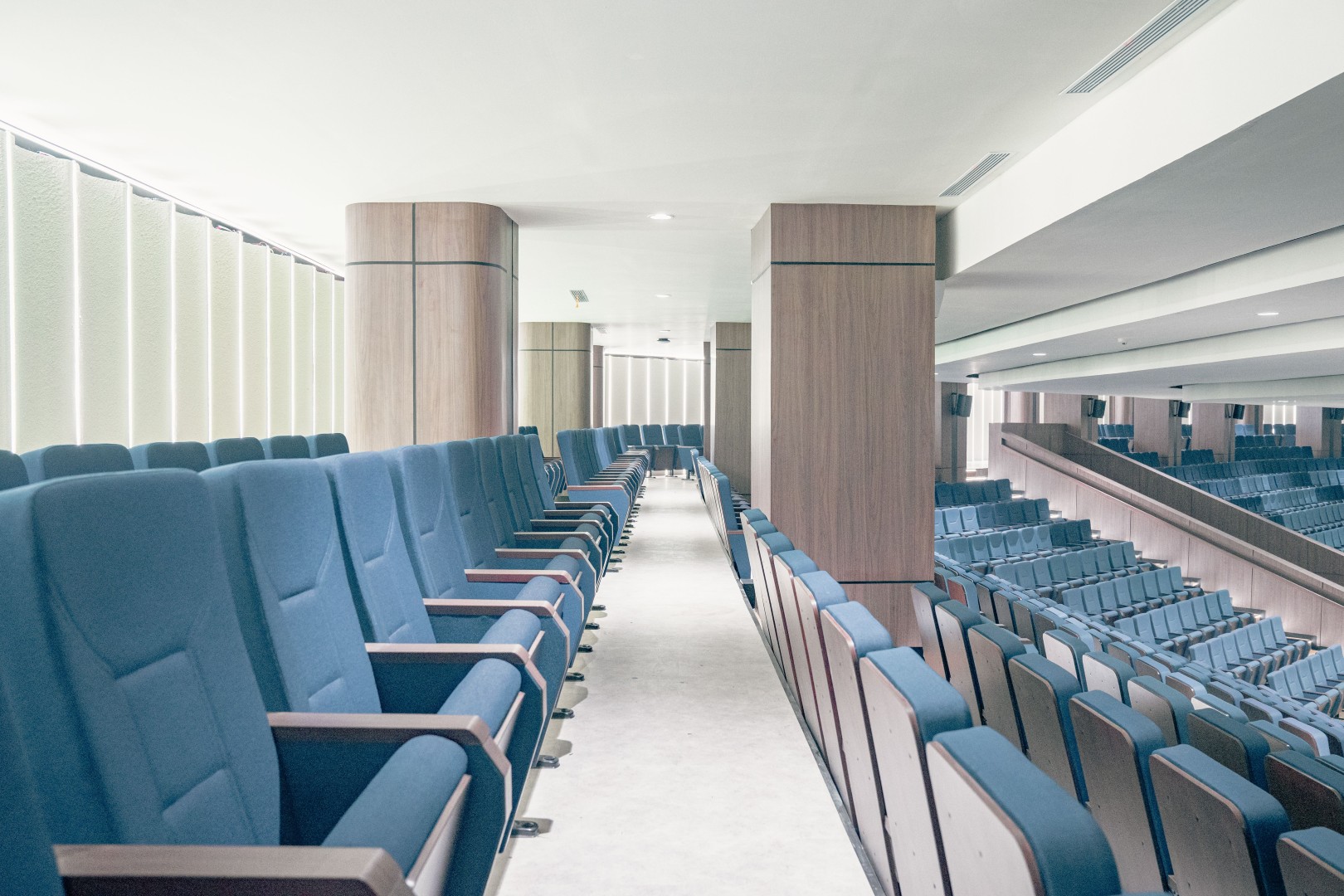
Room inventory
Maintain campuses, buildings, floors, rooms, laboratories, halls, capacities, room types, features, and operational availability.
UniversiTools Schedulers module
The Classroom Scheduler allocates course sections to classrooms, laboratories, studios, halls, and other facilities using room capacity, type, features, location, availability, and institution-defined requirements.
Selected schools, universities, and organizations working with White Mountain Technologies.






Overview
A classroom is not interchangeable with every other space. Capacity, room type, equipment, accessibility, campus, building, floor, travel time, and institutional ownership can all affect whether a room is appropriate. UniversiTools applies these requirements consistently when assigning spaces.
Scheduling teams can analyse demand before generation, identify pressure points, create alternative allocation scenarios, and select a room plan that supports teaching while using facilities responsibly.
Capabilities
Classroom Scheduling brings room inventory, course requirements, capacity, features, location, availability, and allocation policy into one traceable assignment process.
Maintain campuses, buildings, floors, rooms, laboratories, halls, capacities, room types, features, and operational availability.
Define the capacity, room type, features, location, and special conditions required by each course section.
Use exact-fit, best-available, preferred-location, designated-room, and approved override rules.
Compare course demand with available room capacity and characteristics before launching the allocation engine.
Generate alternative room-allocation scenarios and evaluate utilization by room, floor, building, campus, time, or day.
Reassign rooms through authorized tools while preventing double-booking and protecting the approved timetable.
How it works
The process begins by making the room catalogue and course requirements dependable, then applies the institution’s allocation priorities before results are reviewed and released.
Validate rooms, facilities, capacities, characteristics, locations, and availability.
Associate each scheduled activity with its capacity, feature, room-type, and location needs.
Run the deterministic engine to produce conflict-free room assignments under the selected strategy.
Review utilization, adjust approved exceptions, and publish the selected room schedule.
Operational value
Faster, more consistent room allocation across large and distributed facilities.
Clearer understanding of space demand, underuse, pressure periods, and consolidation opportunities.
Activities placed in spaces that are suitable for their teaching method, capacity, and equipment needs.
Evidence for room planning, building usage, capital decisions, and operational efficiency.
Implementation focus
Room allocation improves when the institution treats facilities information as governed operational data rather than an informal list maintained only during scheduling season.
Confirm capacities, room types, features, accessibility, campus and building locations, availability windows, partitions, and temporary closures before allocation begins.
Standardize how courses identify laboratories, studios, equipment, seating layouts, accessibility needs, preferred locations, and other teaching-space requirements.
Agree how exact fit, best available, room sharing, proximity, utilization, departmental ownership, and exceptions are prioritized and who may approve a change.
Scheduling principle
UniversiTools allocates only rooms that satisfy the approved scheduling and facility rules. Unresolved requirements remain visible for review, preserving the accuracy of both the timetable and the room-utilization picture.
Questions
Yes. It can use room type, capacity, equipment, features, location, availability, and other institution-defined requirements.
Exact fit prioritizes spaces that match the defined requirements closely. Best available allows the system to select the most appropriate available option when an exact match is not available under the approved rules.
Yes. Generated room schedules are conflict-free, and controlled editing tools continue to check room occupancy.
Yes. Room and facility intelligence can be analysed across rooms, floors, buildings, campuses, days, and time periods.
Yes. Approved assignments can be shared with connected systems using the institution’s agreed exchange method.
Next step
A focused demonstration can use your room catalogue, course requirements, campuses, allocation priorities, utilization goals, and connected course timetable to show how Classroom Scheduling would fit your operation.